Assigning Unique Tracking Numbers to Kits
Assembly Worker users can assign a unique number to a kit for tracking purposes.
Complete the following steps to assign a unique number to a Kit:
Log into the system using an Assembly Worker role type.
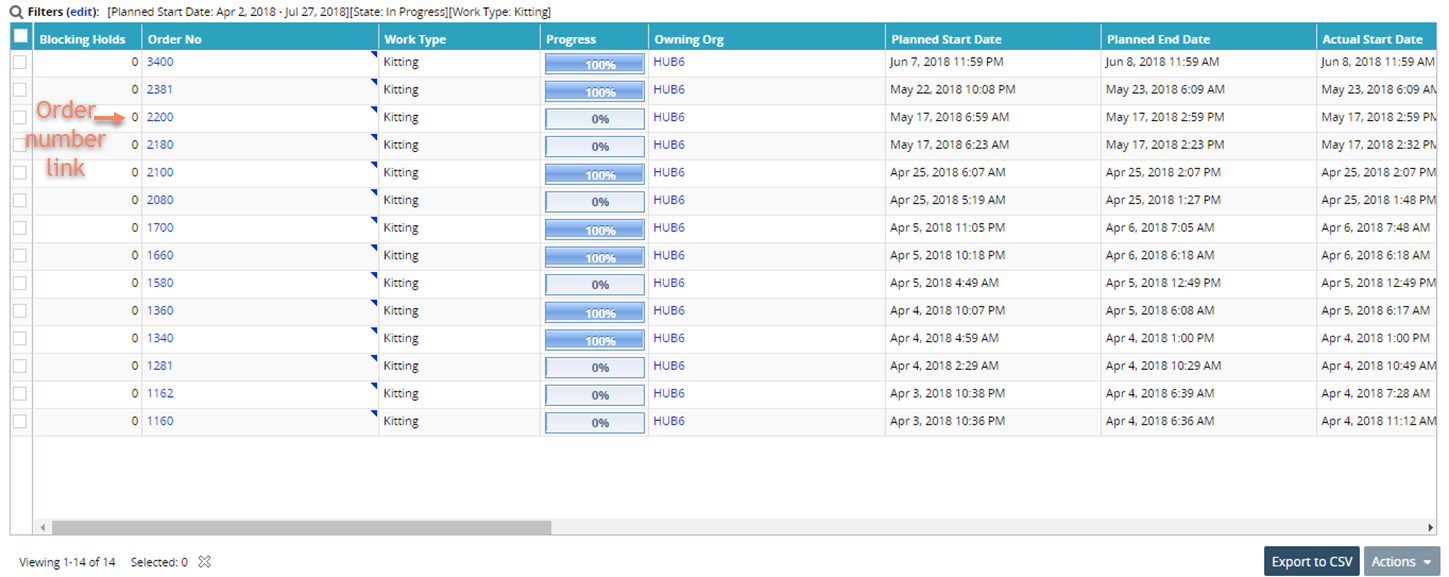
Click the Menu/Favs icon and navigate to Assembly > Work Orders. The Work Orders screen appears .
For State, select the In Progress checkbox.
Select Kitting as the Work Type from the drop-down list.
Click the Search link. The Work Orders screen appears.
Click on the Order Number link. The details screen for the work order appears.
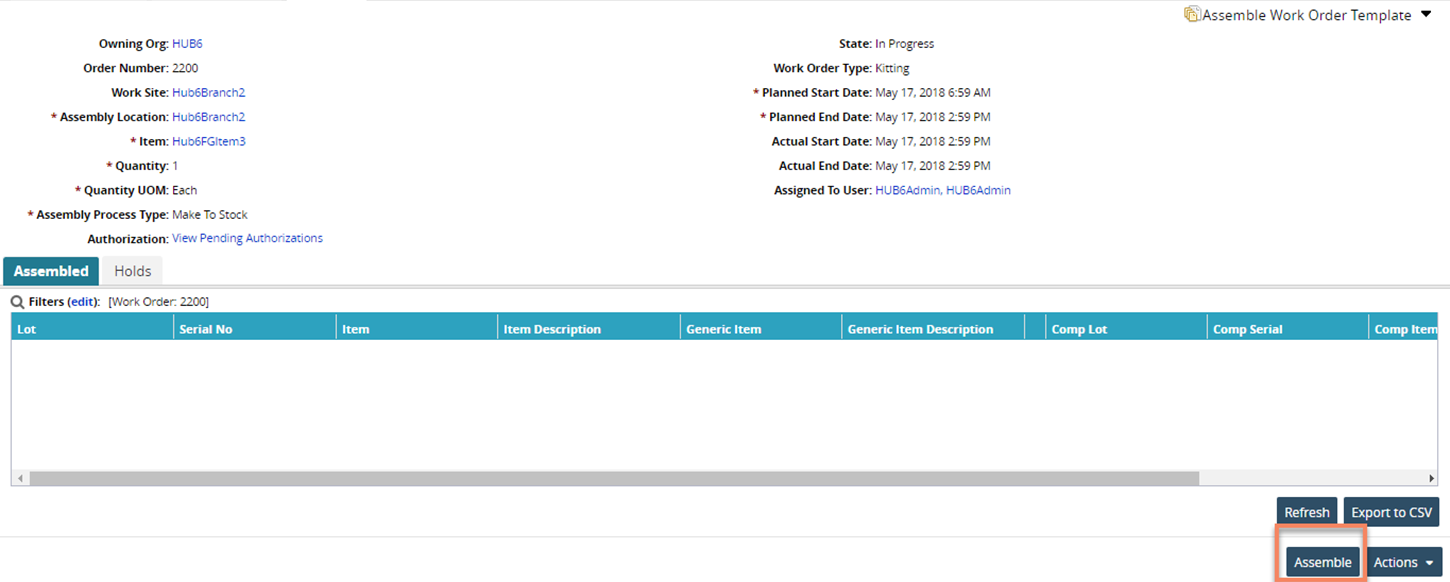
Click the Assemble button at the bottom of the screen.
The Assemble pop-up window appears.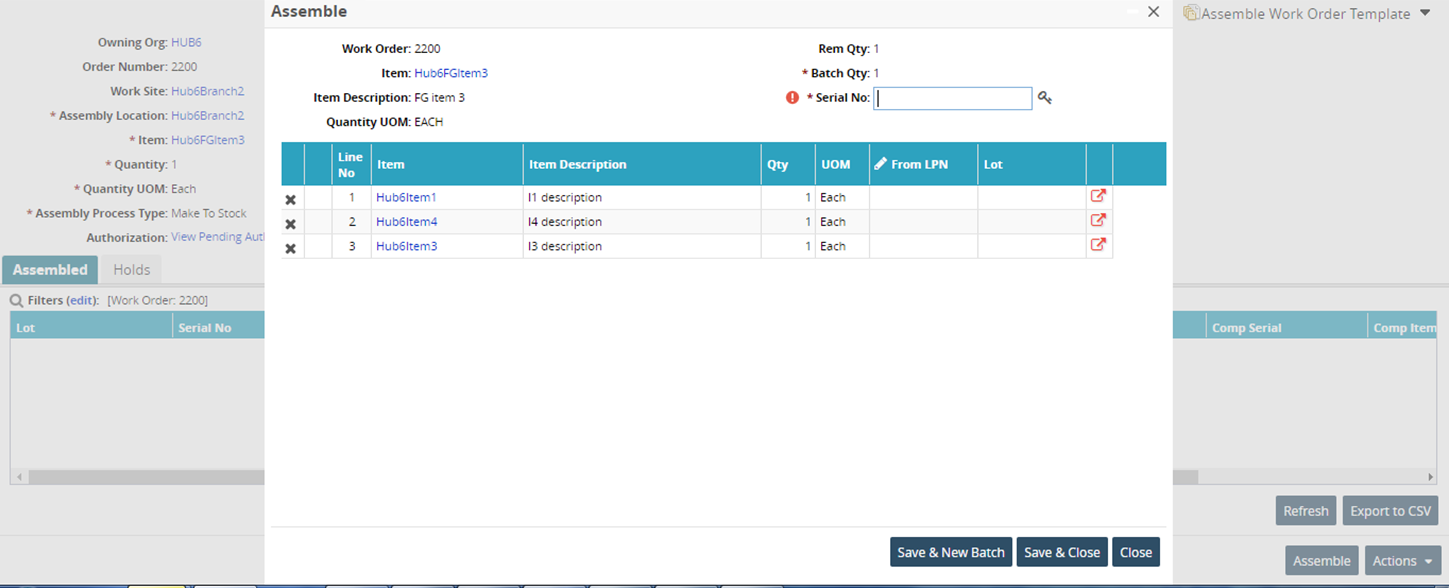
Enter a number in the Serial Number field, or click the key icon to automatically generate a number.
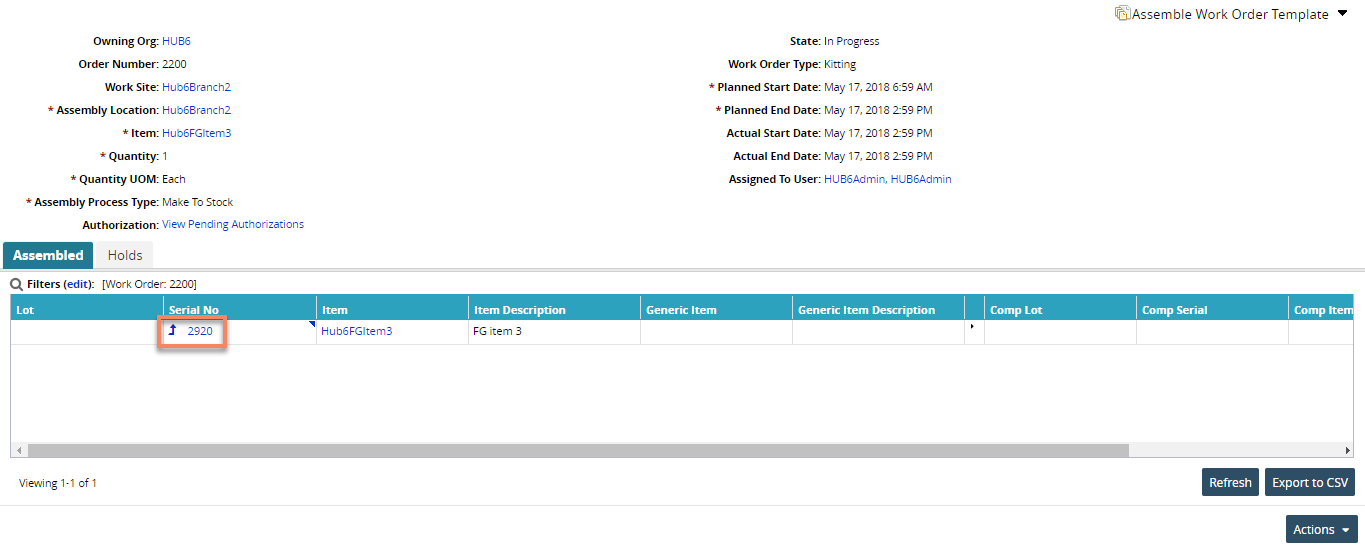
Click the Save & Close button. The unique serial number is assigned and updated on the Work Order detail screen under the Assembled tab.